How to turn your Nano Banana 3D models into videos for free?
Gemini’s Nano Banana may be leading the way in AI-powered 3D creativity, but thanks to tools like Grok AI and Kling AI, users in India and worldwide can now animate their 3D models into engaging videos without spending money. This makes AI art more accessible, fun, and shareable.
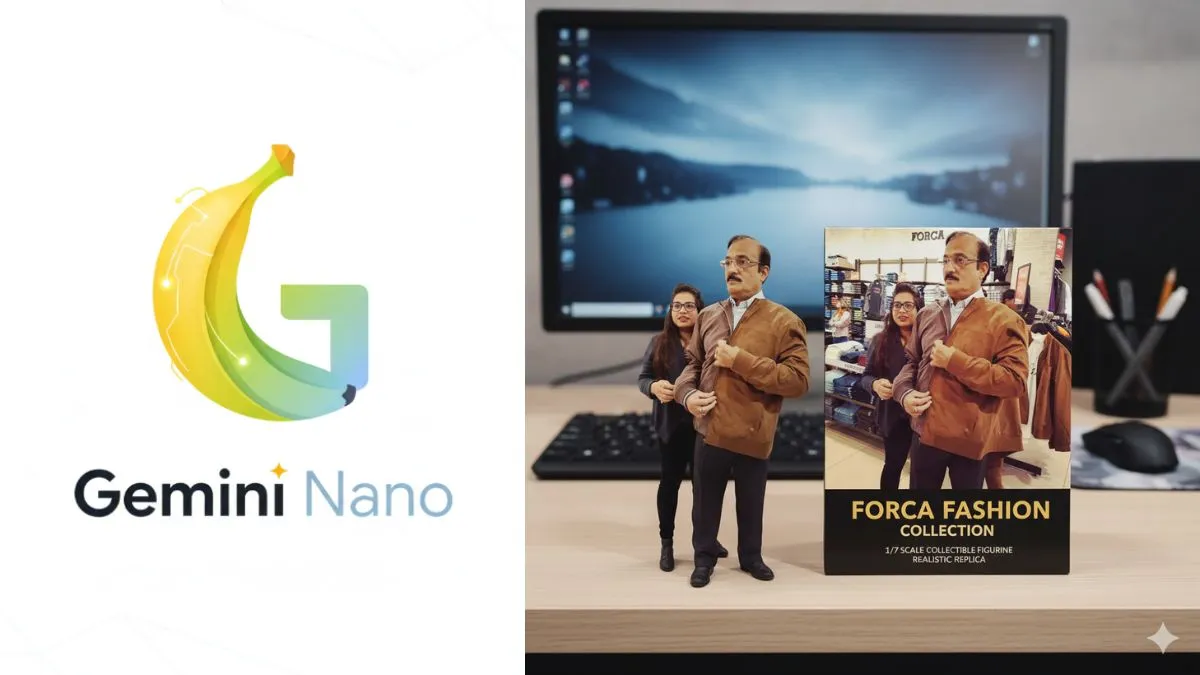
Google’s Gemini Nano Banana has gone viral in days, and in some countries, in some hours. The reason is that it has been generating lifelike 3D models and creative edits from simple prompts for anyone. And this is not it, as the real magic happens when you animate these models into videos. While most of the AI video tools like OpenAI Sora and Google Veo 3 are behind a paywall, free alternatives like Grok AI and Kling AI will let you bring your Nano Banana creations to life by following simple steps.
Here’s a step-by-step guide for Indian users to turn 3D models into stunning videos at no cost.
What is Gemini Nano Banana?
For those who are not aware, Google’s Gemini Nano Banana model has quickly become popular because of its ability to transform still photos/images into high-quality 3D figures, holographs or fashion try-on visuals.
By using the natural language prompts, it will maintain consistency and realism, making it ideal for collectables, creative projects, and even personalised figurines.
Why turn 3D models into videos?
While static 3D images look impressive, videos add life-like animation, cinematic camera movements, and even sound effects. This makes them ideal for content creators, social media influencers, and hobbyists looking to showcase their Nano Banana creations more dynamically.
How to turn 3D models into videos for free
Using Grok AI
- Open the Grok app on your smartphone or via X (formerly Twitter).
- Go to the Imagine section and tap on the gallery icon.
- Upload your Nano Banana-generated 3D model.
- Click on ‘Make Video’.
- Within seconds, you’ll get a short animated video with sound effects.
- Save it or regenerate until satisfied.
Using Kling AI
- Visit the Kling AI website or download the app.
- Sign in with Gmail or your email ID.
- Select the Video option from the menu.
- Upload your 3D image and add a descriptive prompt.
- Example: “Keep the figurine static with subtle life touches like blinking and breathing. Animate the camera with cinematic pans, zooms, and depth-of-field shifts in a realistic room.”
- Kling will generate a cinematic video of your figurine.
Bonus: Create a figurine of yourself with Gemini
Want to see yourself as a collectable?
- Open the Gemini app
- Then select Nano Banana
- Upload your photo
- Use this prompt: “Create a 1/7 scale figurine of the person in the image on a desk, with an acrylic base and realistic toy packaging box.”