How to trace your lost mobile phone by IMEI number in India: Guide
Losing a mobile phone can be a distressing experience, but in India, the government's Sanchar Saathi initiative, particularly the CEIR (Central Equipment Identity Register) portal, offers a powerful and effective way to block and trace your lost or stolen device.
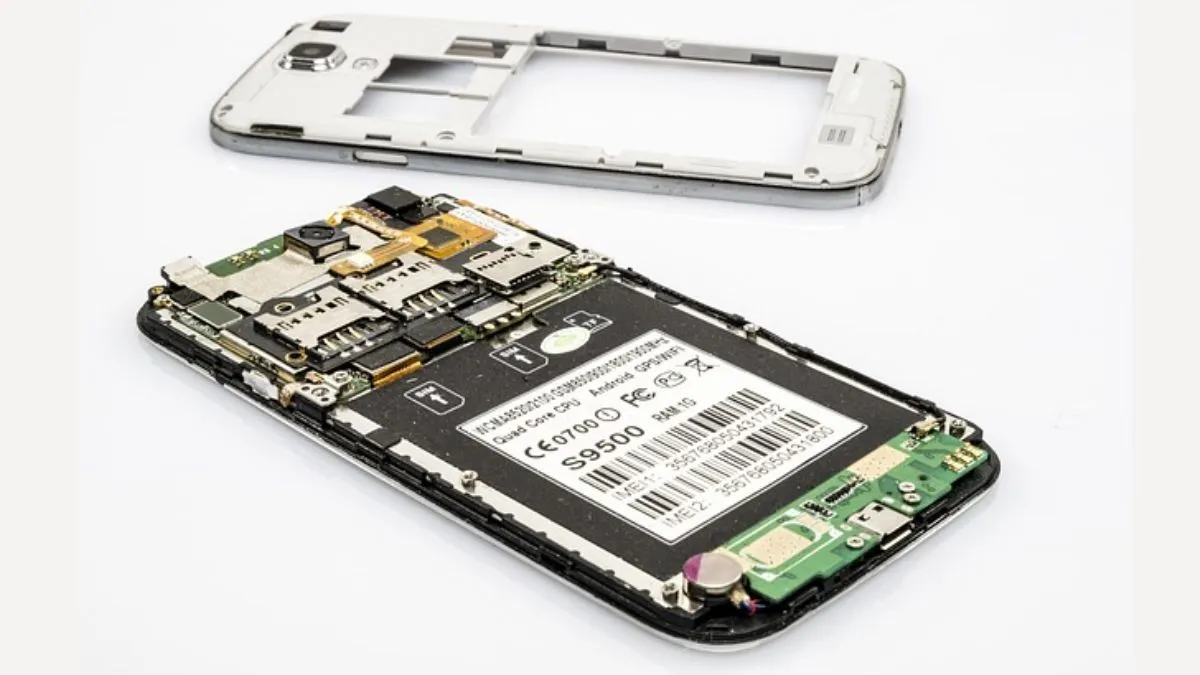
Losing a mobile phone could feel distressing, as it has almost everything of yours- from social media accounts, to other important documents and bank details. Beyond the financial loss, there's the fear of personal data being misused. While many third-party apps claim to track your smartphone, the most reliable and secure method in India is to use the official government-backed system. This article will provide you with a comprehensive guide for Indian readers on how to trace a lost phone by its IMEI number using the CEIR portal.
What is an IMEI number?
- An IMEI (International Mobile Equipment Identity) is a unique 15-digit number assigned to every mobile device.
- It acts as a digital fingerprint for your device, helping to identify it worldwide on cellular networks.
- This number is important because it remains the same regardless of the SIM card used, making it an invaluable tool for blocking and tracking stolen devices.
- You can find your phone's IMEI number on the original packaging box, the purchase invoice, or by dialling *#06# from your designated phone.
- It is said to be a good practice to keep this number noted down in a safe place.
Step 1: File a Police Complaint (FIR)
- The very first and most critical step is to report your lost or stolen mobile to the police. This is not only a legal requirement but also a necessary document for the subsequent steps. You can file a First Information Report (FIR) at your nearest police station.
- Some states and cities also have online portals for filing a lost mobile report.
- Ensure you provide all details accurately, including your phone’s brand, model, and most importantly, the IMEI number.
- You must obtain a copy of the police report or the FIR number for the next step.
Step 2: Get a new SIM card and prepare documents
- Before you proceed with blocking the IMEI, you need a new SIM card with the same mobile number as your lost phone.
- This is essential because the CEIR portal will send an OTP (One-Time Password) to this number for verification.
- Also, keep a digital copy of your identity proof (like an Aadhaar card) and the purchase invoice of the lost phone ready.
Step 3: Block your mobile phone via the CEIR portal
- The Central Equipment Identity Register (CEIR), a project by the Department of Telecommunications (DoT), is designed to curb the circulation of counterfeit and stolen mobile phones.
- This portal will enable the user to block their stolen mobile phone's IMEI, rendering it completely useless on any network across India.
Here's how to use the portal:
- Visit the official Sanchar Saathi portal at sancharsaathi.gov.in.
- Click on the "Block Your Lost/Stolen Mobile" option. This will redirect you to the CEIR portal.
- Fill out the request registration form with all the required details, including the lost mobile number, your new mobile number (on which you've obtained the duplicate SIM), the device's IMEI number, and the FIR number from the police.
- Upload the digital copies of the FIR and your identity proof.
- Submit the form. You will receive a unique Request ID. Note this down for future use to track the status of your request.
Once your request is successfully submitted and verified, your phone's IMEI will be blacklisted within 24 hours. This means no one will be able to use the phone for calls, SMS, or mobile data, even with a different SIM card.
What is the role of CEIR in tracing a lost phone?
- While CEIR is primarily a system for blocking, it also aids in tracing. When a blacklisted phone is switched on and connects to a cellular network, the system can track its location.
- If the police department is actively tracing the device, this information can be used to recover it. You can check the status of your request on the CEIR portal using your Request ID.
- By using this official method, you not only protect your personal data but also help in creating a more secure digital environment for everyone. Avoid relying on unverified third-party apps, as they may be scams and could compromise your data privacy.
Samsung Galaxy A17 5G launched as most affordable AI smartphone: Starts at Rs 18999 |
How to trace your lost mobile phone by IMEI number in India: Guide |
SIM card not working in your new phone? Here are some setting you must activate instantly |