- News
- Technology
- iPadOS 26 first look: Mac-style features, Siri enhancements and more coming to iPads
iPadOS 26 first look: Mac-style features, Siri enhancements and more coming to iPads
Apple has rolled out the public beta of iPadOS 26, bringing macOS-style features like a windowing system, upgraded Siri, and a fresh Liquid Glass UI to supported iPads. While the update hints at a significant transformation for iPad users, Apple advises caution due to potential bugs in early stage.
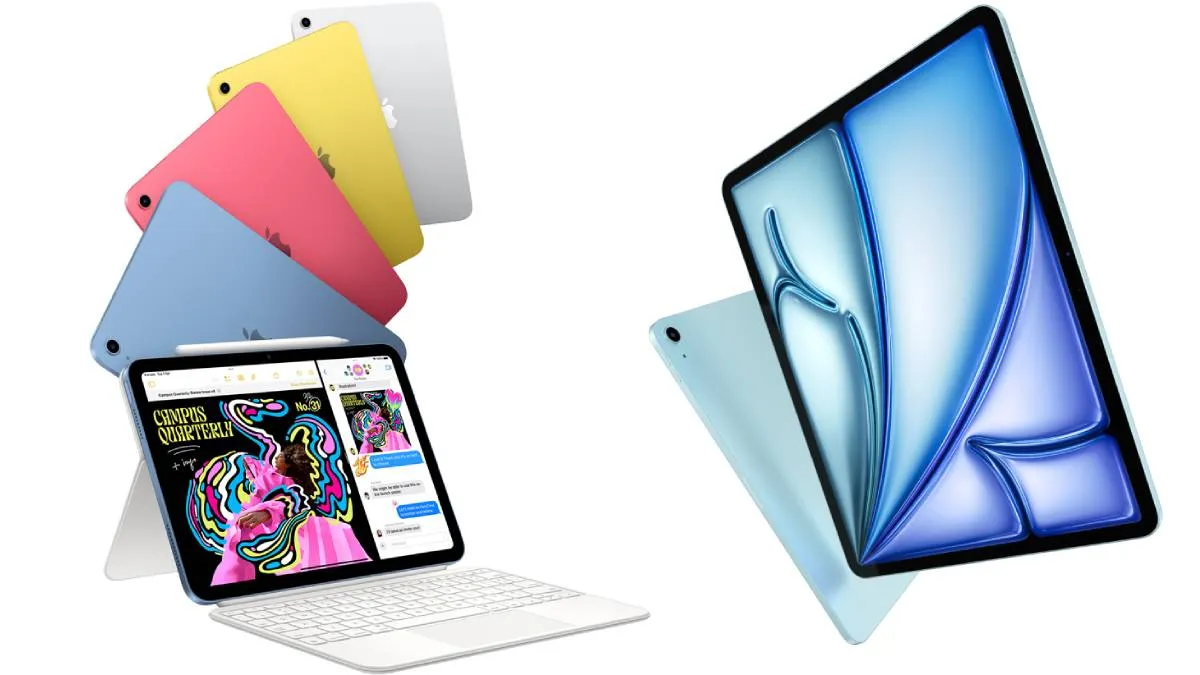
Apple has reportedly released the first public beta of iPadOS 26 (the latest operating system), giving users in India and worldwide early access to its upcoming features. The update introduces major UI changes and productivity enhancements that bring iPads closer to the macOS experience. However, since it's a beta version, Apple warns users to expect bugs and inconsistencies.
How to download iPadOS 26 public beta
To try the beta, go to:
- Settings
- General
- Software Update
- Beta Updates
- iPadOS 26 Public Beta
Then tap back and wait for the update to appear. Click “Install Now” to begin.
Supported iPad models
- iPad Pro (M4), 12.9-inch (3rd gen+), 11-inch (1st gen+)
- iPad Air (M3, M2, 3rd gen+)
- iPad (A16, 8th gen+)
- iPad mini (A17 Pro, 5th gen+)
A step closer to a Mac-like experience
Tested on the iPad Air 13-inch (M3 chip), iPadOS 26 claims to feel more flexible than ever. Upon first boot, users are prompted to choose between full-screen apps, Stage Manager, or the new windowing system, which lets you resize and move apps around freely—similar to using a Mac.
A new menu bar appears at the top, though most options are still inactive. Not all apps are fully compatible yet. For instance, Adobe Express displays a message saying it doesn't support iPadOS 26 yet.
Siri gets smarter and more accessible
Siri now supports type-to-Siri, activated by double-tapping the horizontal bar at the bottom. Users can now interact with Siri using voice commands (“Hey Siri”), by holding the power button, or by typing—though a unified interface is still missing.
More features coming soon
Other features include:
- Liquid Glass UI
- Preview and Games apps
- Dock folders
- Background tasks
- Intelligent system suggestions
Apple promises more refinements in the final release, expected later this year. Until then, casual users should avoid installing the beta and wait for the stable update.