Exhausted your phone storage? Top ways to back up your data before the New Year
Limited device storage can make file management a constant struggle. To help you start the year with a clutter-free device, here is a guide on how to back up all your data for free.
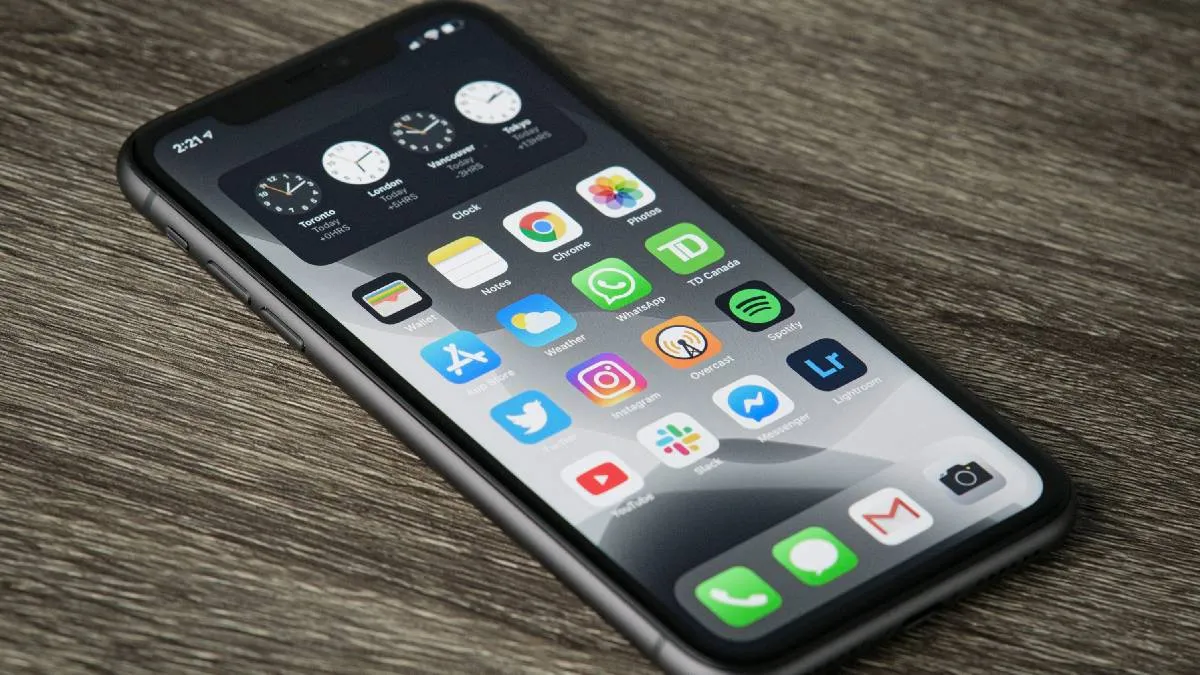
The New Year is more than just the beginning of Earth's 365-day journey around the Sun; it is a moment for reflection and renewal. Many of us set new goals and resolutions to make our lives more meaningful. In today's digital age, a major part of that organisation involves managing the thousands of documents, images, and messages on our smartphones.
Limited device storage often makes file management difficult, yet because these memories and documents remain relevant for years, deleting them isn't an option. Here is how you can back up your data to ensure a clutter-free start to the year.
How you can backup your data
1. Google Drive: The most versatile choiceGoogle Drive is arguably the most efficient way to back up files on both Android and iOS. It comes pre-loaded on most Android devices and is highly accessible.
- Free Tier: Google offers 15GB of free storage to all users.
- Paid Plans: If you exceed the limit, you can upgrade to a 100GB plan for approximately Rs 130 per month. Smaller top-ups, such as an additional 15GB for Rs 59, may also be available depending on your region and account type.
In India, major telecom operators like Jio and Airtel have bundled cloud storage with their prepaid and postpaid plans:
- Jio: Offers a massive 2TB of Google Cloud storage for a year with selected plans, such as the Rs 349 pack.
- Airtel: Provides 30GB of Google Cloud storage on a monthly basis with select recharge plans starting at Rs 319.
Reliance Jio recently launched its own cloud service, JioAICloud, allowing users to upload files and images seamlessly.
- Welcome Offer: Users can enjoy 50GB of free storage.
- Accessibility: While the service is a great perk for Jio subscribers, non-Jio users can also access the free service for a 90-day trial period.
Physical Storage vs Cloud Storage
While cloud storage is the most popular modern solution, you can also opt for physical drives (External HDDs or SSDs).
- Pros: One-time cost and no monthly subscriptions.
- Cons: They are not accessible remotely, can be easily lost, and have a higher risk of hardware failure compared to the redundant servers used by cloud providers.