- News
- Education
- Exam Results
- JAC Jharkhand Inter 12th scorecard PDF via Digilocker: How to download
JAC Jharkhand Inter 12th scorecard PDF via Digilocker: How to download
JAC Inter scorecard via Digilocker: JAC Inter 12th scorecard PDF will be available for download via Digilocker. Know how to download it.
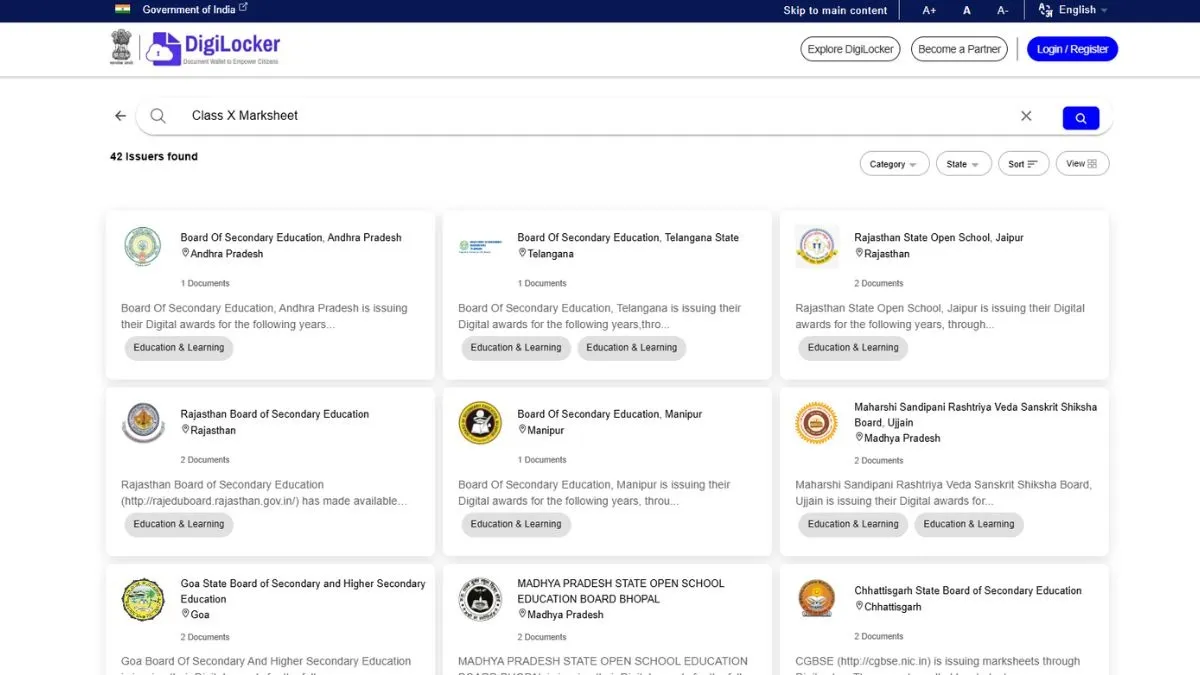
The Jharkhand Academic Council (JAC) inter, Class 12 scorecard PDF will be available for download via Digilocker, apart from the websites - jacresults.com and jac.jharkhand.gov.in. A total of 96.14 per cent students passed in JAC Inter Arts, Commerce - 93.37 per cent, Science - 82.92 per cent.
How to download JAC Inter 12th scorecard PDF via Digilocker
- Go to the official DigiLocker website or open the app
- Sign in to your account. If you do not have an account, you will need to create one before signing in
- On the homepage, look for the option for JAC Inter 12th scorecard PDF link
- Click on this option
- Enter the required details and submit
- JAC Inter 12th scorecard pdf will be available for download
- Save JAC Inter 12th scorecard pdf and take a print out.
How to download JAC 12th scorecard PDF at jacresults.com and jac.jharkhand.gov.in
The students can check and download JAC 12th scorecard PDF on the websites - jacresults.com and jac.jharkhand.gov.in. To download JAC inter scorecard pdf, candidates need to visit the websites - jacresults.com and jac.jharkhand.gov.in and click on JAC 12th marksheet PDF link. Enter login credentials - application number, date of birth. JAC 12th scorecard PDF will be available for download on the screen, save JAC 12th scorecard PDF and take a print out.
- Visit the official websites - jacresults.com and jac.jharkhand.gov.in
- Click on JAC 12th marksheet PDF link
- Use application number, date of birth as the required login credentials
- JAC Jharkhand 12th scorecard PDF will appear on the screen for download
- Save JAC 12th scorecard PDF and take a hard copy out of it.
How to download JAC Inter 12th scorecard PDF via App
- Download JAC inter result app from Google play store
- Click on JAC 12th scorecard PDF link
- Use registration number/ roll number and date of birth as login credentials
- JAC Inter 12th scorecard PDF will appear on the screen for download
- Save JAC 12th scorecard PDF and take a hard copy out of it.
For details on JAC 12th scorecard PDF, please visit the official websites - jacresults.com and jac.jharkhand.gov.in.
Also Read : JAC Jharkhand Inter 12th result 2026 out at jacresults.com; 96.14% in Arts, 93.37% in Commerce