- News
- Brand Content
- Small Security Mistakes That Can Lead to Payment Fraud
Small Security Mistakes That Can Lead to Payment Fraud
One of the most common mistakes people make is using the same password or PIN across multiple platforms. It is tempting to use a familiar string of numbers for your phone lock, your email, and your UPI app.
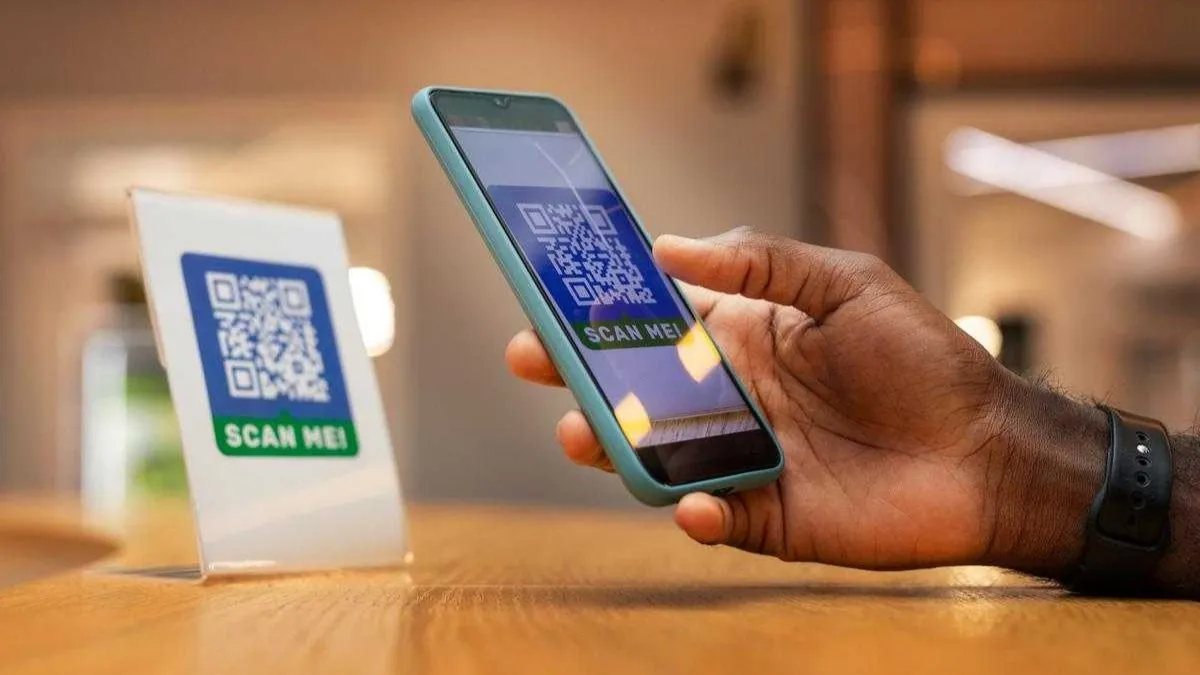
Digital payments have transformed the way we handle money. Whether you are splitting a dinner bill with friends or paying for a local grocery run, the ease of a quick scan or a simple tap is undeniable. This shift toward a cashless society has made our lives significantly more efficient and streamlined.
However, this convenience often comes with a hidden cost if we are not careful. Many users believe that because they use a secure UPI app, they are automatically immune to all forms of digital theft. While the underlying technology is robust, the human element remains the weakest link in the security chain. Small, seemingly insignificant habits can create openings for fraudsters to exploit.
Understanding these minor lapses is the first step toward protecting your hard-earned money. Most payment fraud does not happen through complex hacking of bank servers. Instead, it occurs because of tiny mistakes made by everyday users during their routine transactions. By identifying these errors, you can build a stronger defense against financial loss.
The Danger of Reusing Simple Passwords
One of the most common mistakes people make is using the same password or PIN across multiple platforms. It is tempting to use a familiar string of numbers for your phone lock, your email, and your UPI app. This makes it easier to remember, but it also makes it incredibly easy for a criminal to gain full access to your digital life. If a single account is compromised in a data breach, every other account using that same password becomes vulnerable.
Fraudsters often use a technique where they take leaked credentials from one website and try them on various financial applications. If you have reused your credentials, you are essentially giving them a master key to your finances. A secure UPI app is only as strong as the gatekeeper, which in this case is your unique password. You should always use complex, unique combinations for every financial tool you use.
Another related issue is the use of predictable PINs. Many people still use sequences like 1234 or 1111 because they are easy to type quickly. These are the first combinations a thief will try if they get their hands on your device. Breaking this habit is a simple change that significantly boosts your personal security.
Ignoring Software and App Updates
We have all seen the notification asking us to update our phone software or specific applications. It is easy to click "remind me later" because we are busy or do not want to wait for the download. However, these updates are rarely just about new features or visual changes. Most of the time, they contain critical security patches that fix vulnerabilities discovered by developers.
When you delay an update for your UPI app, you are running a version of the software that might have known weaknesses. Hackers actively look for these unpatched versions to exploit users who have not updated their systems. A secure UPI app remains secure only when it is kept up to date with the latest defenses against emerging threats.
This rule applies to your phone's operating system as well. The operating system provides the foundation upon which all your apps run. If the foundation is weak, the apps on top of it are also at risk. Setting your device to update automatically overnight is a great way to ensure you never miss these vital security improvements.
Falling for the Request Money Scam
A unique feature of digital payment systems is the ability to request money from another user. While this is helpful for businesses or friends collecting for a gift, it is also a favorite tool for scammers. A common tactic involves a fraudster sending a "request" to a user while claiming they are actually "sending" money.
For example, you might be selling an item online, and a buyer claims they want to pay you via a UPI app. They send a request for the amount and tell you to enter your PIN to "receive" the funds. In reality, entering your PIN always authorizes money to leave your account. You never need to enter a PIN to receive money.
This mistake happens because people are often in a hurry or are distracted by the conversation with the buyer. Scammers use high-pressure tactics to make you act quickly without thinking. Always take a moment to read the screen carefully before you authorize any transaction. If the screen says you are paying someone, stop immediately.
Using Public Wi-Fi for Financial Transactions
Free Wi-Fi at a coffee shop or an airport is a great convenience, but it is rarely secure. Public networks are often unencrypted, which means that a savvy hacker sitting in the same room can intercept the data moving between your phone and the internet. This is known as a man-in-the-middle attack.
When you open your UPI app on a public network, you are potentially exposing your transaction details to anyone watching the traffic. Even if the app uses encryption, there are ways for attackers to trick your device into revealing information. It is always safer to use your mobile data plan for any financial activity.
If you absolutely must use a public network, consider using a virtual private network to add a layer of protection. However, the best practice remains waiting until you are on a trusted, private connection before moving money. This small delay is a minor inconvenience compared to the headache of dealing with a compromised bank account.
Overlooking App Permissions and Privacy Settings
When you install a new application, it often asks for various permissions, such as access to your contacts, location, or camera. Many users simply click "allow" on everything just to get the app running. This is a mistake because some malicious apps are designed specifically to spy on your financial activities.
A secure UPI app needs certain permissions to function, like access to your SMS to verify your phone number. However, a random game or a photo editing tool should not need access to your messages or your contact list. If an app asks for more information than it reasonably needs to function, it should be a red flag.
Periodically reviewing the permissions on your phone is a healthy habit. Go into your settings and see which apps have access to your sensitive data. If you find an app you rarely use that has broad permissions, it is best to delete it or revoke those rights. Minimizing the number of apps that can see your data reduces the surface area for potential fraud.
Conclusion: Building Better Digital Habits
The transition to digital finance is one of the most significant changes in our modern economy. It has empowered millions of people by providing instant access to banking services. However, as we have seen, the small mistakes we make out of habit or haste can lead to serious consequences. Payment fraud is often a crime of opportunity, and by closing these small gaps, we take that opportunity away from the criminals.
Taking the time to create unique passwords, keeping your software updated, and remaining skeptical of unsolicited requests are simple steps. They do not require technical expertise, only a shift in mindset. When you treat your digital transactions with the same level of caution as you would a physical cash exchange, you significantly reduce your risk.
Ultimately, staying safe in the digital world is about being mindful. By choosing a secure UPI app and staying alert to the common tactics used by fraudsters, you can enjoy the benefits of modern technology without the fear of financial loss. Your security is in your hands, and a few small changes today can prevent a major headache tomorrow.
(Disclaimer: This is sponsored content. The liability for the article solely rests with the provider. The content has not been verified by the India TV channel and IndiaTVNews.com.)