Bihar Assembly Elections: How to download e-voter card on mobile phone, check step-by-step guide
Bihar Assembly Elections 2025: Voters must be aware that they need to carry a valid document at the polling station which proves their identity and matches with the details in the voter roll available with the booth level officials.
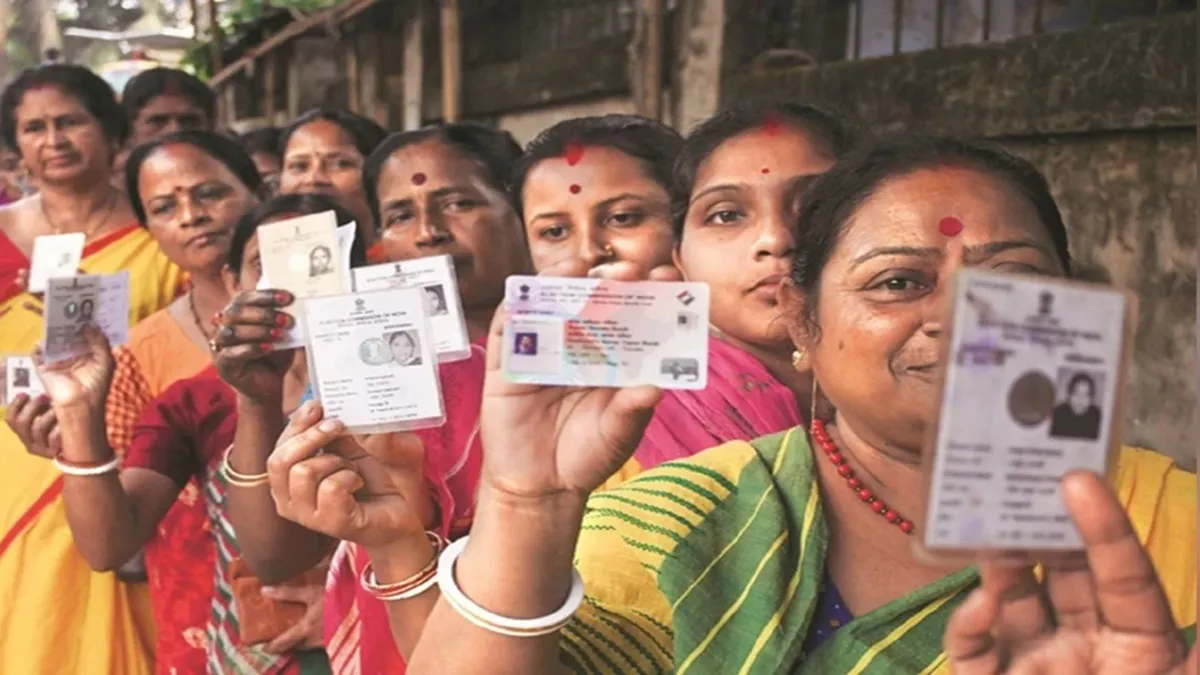
Bihar is all set to go to polls on Thursday in the first phase. The campaign for the first phase in which polling will be held for 121 seats ended on Tuesday evening. The campaigning ended at 6 pm with the ruling and opposition parties leaving no stone unturned to reach out to voters on the last day.
Check prominent seats going to polls in first phase
The prominent seats that will go to the polls in the first phase include Tejashwi Yadav's Raghopur, Mahua, from where his brother Tej Pratap Yadav is trying his luck with a new political outfit, and Tarapur, from where Deputy CM Samrat Choudhary is fighting the elections.
The other prominent seats in this phase include Alinagar, from where singer Maithili Thakur is fighting the elections on a BJP ticket, Deputy CM Vijay Kumar Sinha's Lakhisarai, and Raghunathpur, where the RJD candidate is late gangster-turned-politician Md Shahabuddin's son Osama Shahab.
Polls in second phase on November 11
Amid tight security, voting for the rest of the 122 seats in the 243-member assembly will be held on November 11, and the votes will be counted on November 14.
Now, the citizens must be aware that they need to carry a valid document at the polling station, that proves their identity and matches with the details in the voter roll available with the booth level official.
The Election Commission has allowed citizens to download their digital voter ID cards (e-EPIC). This can be done directly through the official website of the commission.
How to download e-voter card on mobile phone?
- First visit the official Voter Service Portal of the Election Commission which is https://voters.eco.gov.in.
- On the homepage, click on the e-EPIC download option.
- Then log in with your registered mobile number/EPIC number/email ID and password.
- If you are a new user, click on the Sign Up option and create an account.
- The e-EPIC download page will appear after logging in.
- Then enter your EPIC number (voter card number) or Form Reference Number in the designated box.
- After this, click the ‘Search’ button after selecting your state from the dropdown menu. The screen will show the details of your card.
- OTP will be sent to the mobile number linked with your EPIC.
- Enter the OTP and click on ‘Verify’
- After successful verification, you will see the ‘Download e-EPIC’ option.
How to find your EPIC number
- In case you do not remember your voter ID number or have misplaced your voter ID card, then go to https://electoralsearch.eci.gov.in/
- In this case, enter your name, father’s name, district, and state. This will list out the details matching to your selections. Once your find yours, download the EPIC card.
- Then you can also carry your Aadhaar, PAN, Passport, etc. when visiting the polling booth. For your polling station details, you can visit CEO Bihar website: https://ceobihar.nic.in/