- Home
- Technology
- How to switch from iPhone to Pixel 10 in 30 minutes: Complete transfer guide
How to switch from iPhone to Pixel 10 in 30 minutes: Complete transfer guide
Switching from iPhone to the new Google Pixel 10 has been made easier with Google’s step-by-step transfer system. From photos and contacts to WhatsApp chats and iMessages, the setup process takes less than 30 minutes, helping users shift to Pixel 10 without losing important data.
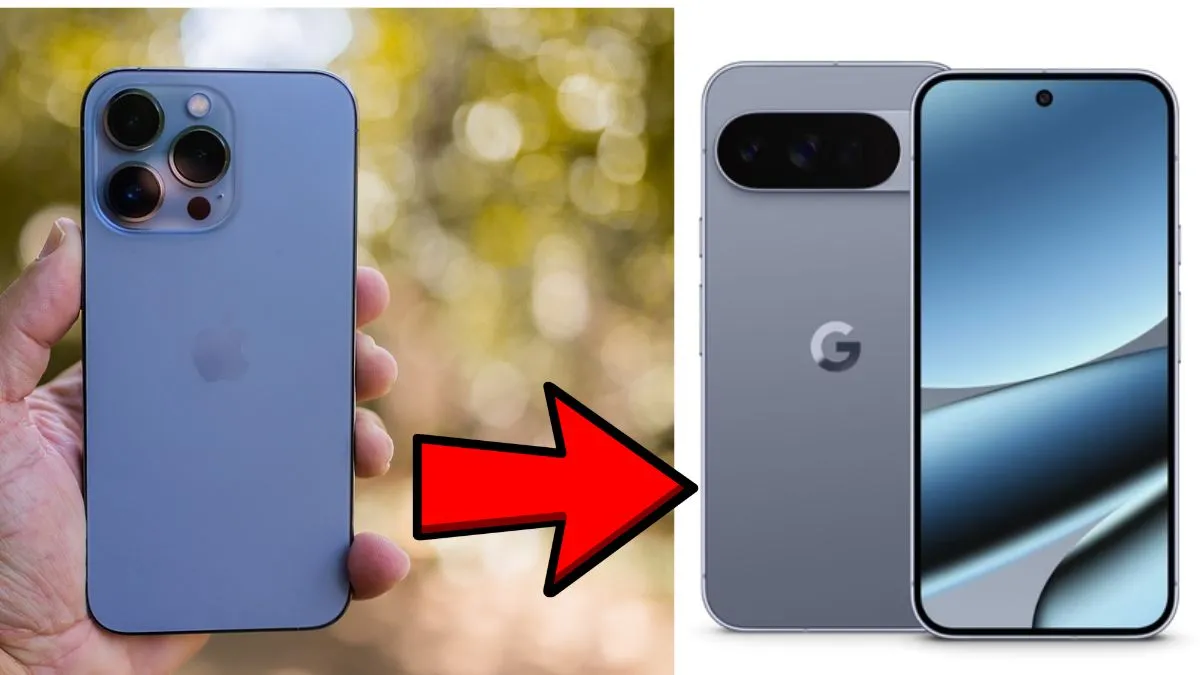
Google has recently unleashed its new set of Pixel devices in the global market, which come with advanced features. And if you are someone who has been using an iPhone for a while, for them, there is a simple way to transition from their Apple device to the new Pixel 10 series.
Those who have already placed their order from the Google Store will receive early setup instructions. This will include creating a Google Account backup of contacts, photos, passwords and wallet data- ensuring the new phone is ready to use upon arrival.
Quick transfer from iPhone to Pixel phone in 30 minutes: Know-how
The actual transfer from one device to another will be around 30 minutes. Users will have to connect their iPhone to the Pixel 10 with a cable, and then they will have to follow the on-screen instructions. Data that can be moved includes:
- Photos and videos
- Contacts and call history
- Texts and iMessages
- WhatsApp chats
- Notes
- Supported apps
Furthermore, iCloud Photos could be shifted to Google Photos, enabling users to keep all memories in one place.
Apps and subscriptions
Most apps transfer smoothly, but subscription services like Spotify or Apple Music require users to log in again. Some paid apps may not carry over due to developer restrictions.
Communication remains smooth since Apple has adopted RCS messaging, enabling read receipts and reactions between iPhone and Pixel. While FaceTime cannot be initiated on Pixel 10, users can still join calls via shared links. Alternatives such as Google Meet, WhatsApp, and Messenger are practical replacements.
Extra features on Pixel 10
Beyond the transfer, the Pixel 10 offers exclusive features like Clear Calling, which reduces background noise, and advanced photo editing tools that even enhance images originally taken on iPhones. Location sharing via Google Maps also works seamlessly, with users able to control who can view their location and for how long.
Switching phones is also an opportunity to organise digital life—removing duplicate photos, updating contacts, and keeping only essential apps for a cleaner experience.