- Home
- Technology
- Gemini comes to MacBooks: Google expands AI Assistant beyond browser
Gemini comes to MacBooks: Google expands AI Assistant beyond browser
Google has officially launched the native Gemini app for MacBooks, allowing users to access the AI assistant directly on macOS. The new app offers instant shortcuts, screen and file sharing, productivity tools, and creative AI features, making Gemini more integrated into daily workflows.
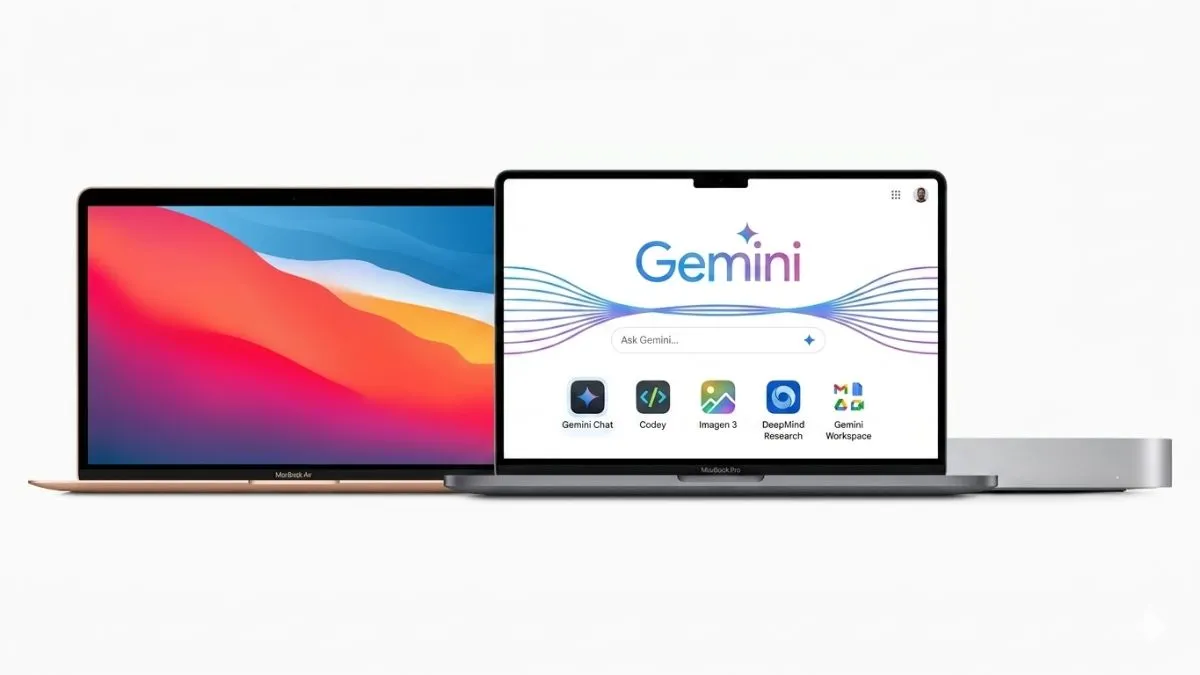
Google has just dropped a native Gemini app for Mac, giving MacBook users a faster, smoother way to tap into Google’s AI assistant. This means that the users will no longer have to open a browser, as Gemini now stands alone right on your desktop. This move puts Google toe-to-toe with OpenAI and Anthropic, both of which already have their own Mac apps in play.
The best part is that anyone with Gemini AI can grab the app for free, anywhere in the world.
Compatibility and how to download?
Currently, Gemini works on MacBooks running macOS 15 or newer. You can download it straight from Google’s website; no weird hoops to jump through. It’s solid timing, too. Apple fans are already buzzing about new AI-powered upgrades for Siri, so Gemini landing on Mac couldn’t be more relevant.
Instant access with shortcut support
- A standout feature of Gemini on MacBook is the instant access.
- All you need to do is just press Option + Space, and Gemini pops open, no matter what you are doing.
- No flipping through tabs or firing up your browser—just quick help when you need it.
The Mac app is not just a chat box, either. Google packed in some smart contextual features. You can share your screen or upload files, and Gemini will analyse what looking at.
- Need a chart summarised?
- Spreadsheets explained?
- Writing or research help?
It has the capability to tackle all that and even offers formula suggestions—so students, professionals, and creators get some real mileage out of it.
Built-in creative tools included
Gemini on Mac includes built-in creative tools. This means there is no Nano Banana for generating images and Veo for AI-powered video creation. So now, Gemini is not just answering questions; it’s helping you make things.
More Gemini features rolling out
Google’s not stopping with Mac. On Chrome, you’ll find a new Skills feature that lets you save your favourite prompts for one-click tasks. Plus, students can take free NEET UG mock tests with Gemini now, thanks to partnerships with Physics Wallah and Careers360. All they have to do is type, “I want to take a NEET mock exam,” and they’re off.
More Gemini features rolling out
With Gemini now living natively on Mac, Google is making its AI assistant way more accessible and useful. For Mac users looking for a smarter assistant woven right into their workflow, this is a serious upgrade.