- Home
- Technology
- Canva AI 2.0 launched with Agentic Tools, Memory and Smarter Design features
Canva AI 2.0 launched with Agentic Tools, Memory and Smarter Design features
Canva has unveiled Canva AI 2.0, a major upgrade to its artificial intelligence tools. The new version adds agentic capabilities, memory, web research, scheduling, and smarter design automation to help users create projects faster through a conversational interface.
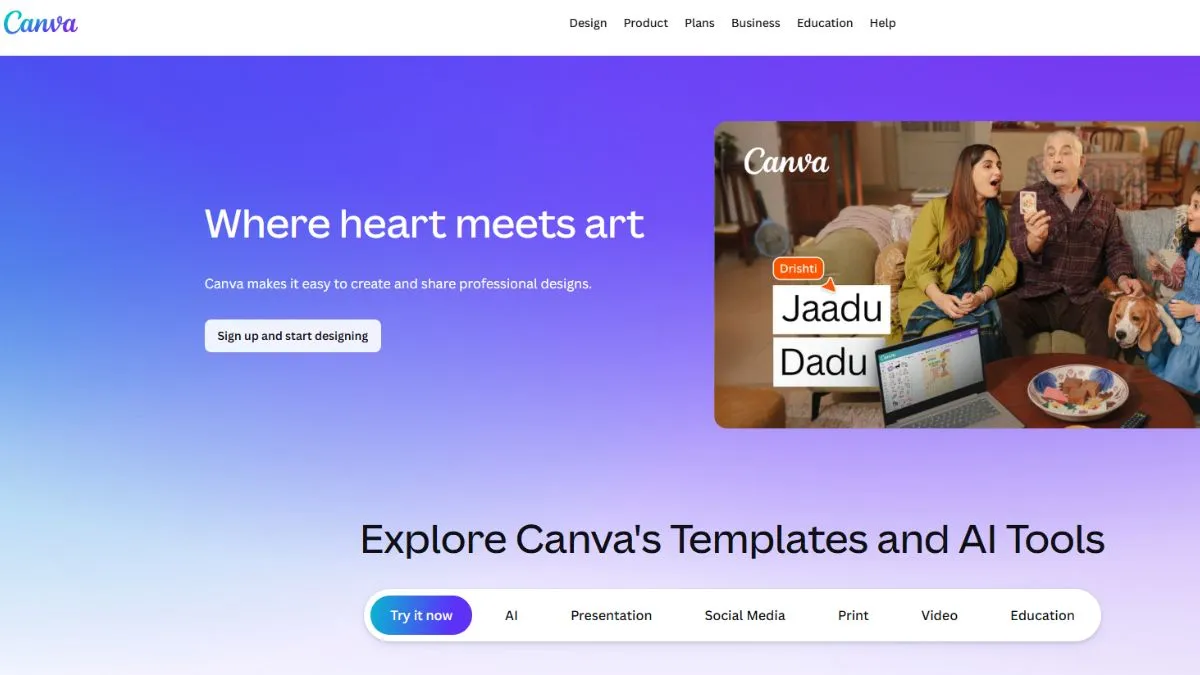
Canva just took a huge step forward with AI 2.0, rolling out a sweeping upgrade for its ecosystem. They showed off this new setup at Canva Create 2026 in Los Angeles, and it'll be available to subscribers around the world soon.
What's different this time?
The AI assistant is getting a serious brain boost. It’s not just a tool anymore—think of it like a creative partner that understands what you want, even if you don’t explain every little detail.
The real showstopper is its new agentic AI layer
Now, the chatbot doesn’t stop at one template or a single image. You can talk to it. Literally. Type out a prompt, use your voice, sketch a rough idea, or drop in a design brief. It listens, figures out your goal, grabs the right Canva tools, and builds out a finished design. And the best part is that it remembers your earlier steps in the chat. So you can tweak, refine, and develop your vision without starting over.
Campaign building just got a lot simpler, too. Instead of making every design piece by piece, you can tell Canva’s AI what you want—social graphics, slides, banners, posters, ads, all in one go—and it cooks up everything in one shot. Businesses and creators will save a tonne of time here.
Then there’s the Memory Library
This addition means the assistant picks up on your brand’s colours, the fonts you like, style rules, and even the quirks of your past projects. Every time you use it, the AI gets smarter and figures out your style, delivering faster, more on-point ideas.
Editing is sharper as well
Thanks to Layered Object Intelligence, you can ask the AI to swap out just a font, tweak colours, brighten up a background, or update a single object—without messing with everything else. You get more control and keep your design intact.
Canva AI 2.0 also plays nice with your other apps
It connects with tools like Slack, Gmail, Google Calendar, Notion, Zoom, and HubSpot. Scheduling is built in too, so you can set up design tasks ahead of time—no need to be online 24/7. If you need fresh info, a new feature lets the AI scan the web and turn what it finds into ready-to-edit content.
Canva AI 2.0
All in all, Canva AI 2.0 feels like a game-changer. It rolls memory, automation, and smarter workflows into one neat package. If you create content for a living—or even just for school—this upgrade promises serious speed and less hassle.