- News
- Technology
- Phone running slow? These simple tricks will boost speed instantly
Phone running slow? These simple tricks will boost speed instantly
If your smartphone has become slow, you do not need to replace it immediately. By freeing storage, managing background apps, updating software, and tweaking settings, you can significantly improve your phone’s speed and performance.
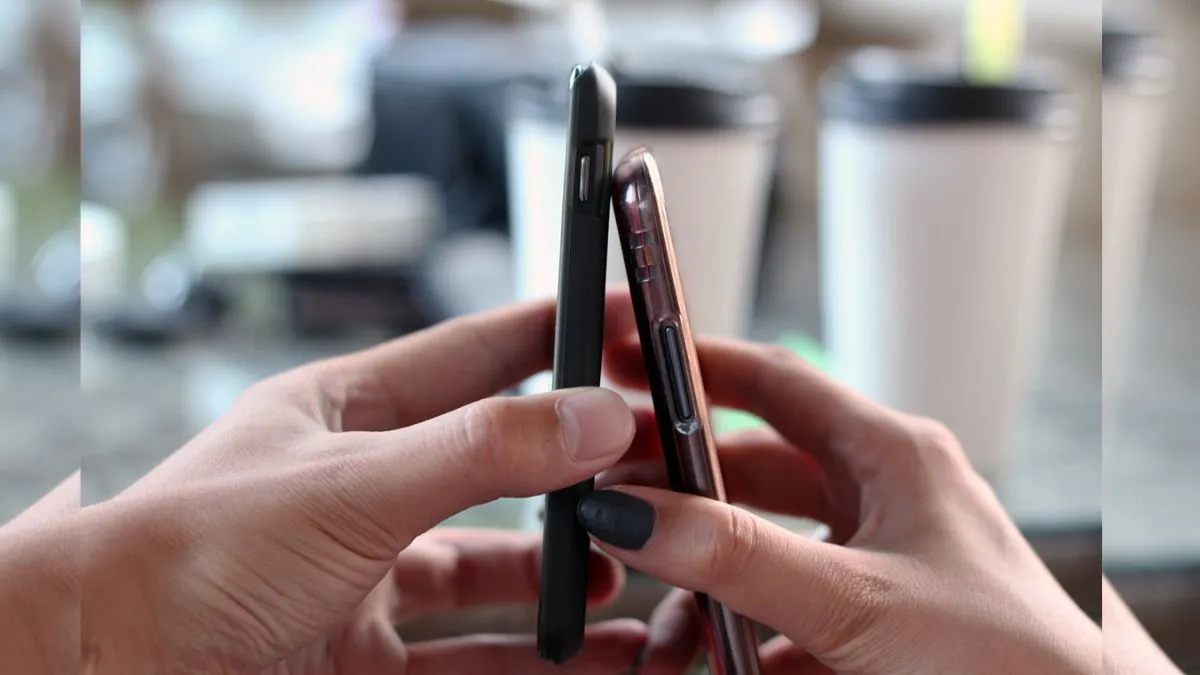
If you're someone who is getting annoyed with a sluggish-performing phone with low speed, do not rush out to get a new one just yet. You can usually get things running smoother again with a few quick fixes—free up some storage, control those background apps, update your software, and adjust a couple of settings. It actually makes a bigger difference than you might think.
Why does your phone slow down, and how to fix it?
A smartphone gets bogged down over time. It is usually a mix of packed storage, too many background processes, or old software holding things back. But you can turn things around without spending a dime on a new phone.
Is your smartphone memory almost maxed out? Clear out the storage.
That’s a big reason things slow down, especially once you go over 80 per cent full.
All you need to do is start getting rid of apps that you never use – delete big files and clear out old videos, especially the WhatsApp ones that pile up fast. For stuff you want to keep, just move your photos and videos to Google Photos or Drive (or whichever cloud service you prefer) and free up local space.
Background apps and sync
A lot of apps keep running in the background, eating up RAM and slowing everything else down. Head into your smartphone’s settings and limit background activity for apps you do not actually use much. While you are at it, turn off auto-sync on older phones so your device is notg constantly refreshing data you don’t need in real-time.
Keep your software fresh
Updates are not just for new features. Phone companies send out regular updates to squash bugs, speed things up, and patch up security holes. Don’t ignore those update notifications—install them when they pop up so your phone keeps running at its best.
Try “Lite” apps
If you have an older smartphone, then try using the ‘Lite’ version of social media apps which are light in size when compared to the big apps like Facebook or Messenger use way less storage and memory. They don’t come with all the extras, but they’ll help your phone run a lot smoother.
Clear out app cache
Apps save bits of temporary data (the cache) to help load faster, but after a while, all that buildup can slow things down. Go to settings and clear the cache, especially for heavy apps like Instagram that save lots in the background—you’ll see the difference right away.
Speed things up with developer options
Here’s a little trick: you can make your phone feel much faster by reducing animation speeds. Tap on your Build Number in the About section of settings several times to unlock Developer Options. After that, set animation scales (window, transition, animator) to 0.5x. Suddenly, everything feels snappier.
You do not need to replace your phone to make it run better. With a bit of storage cleanup, smarter app management, and a couple of easy tweaks, you can keep your device zippy for a lot longer. Give these fixes a try before you consider an upgrade.