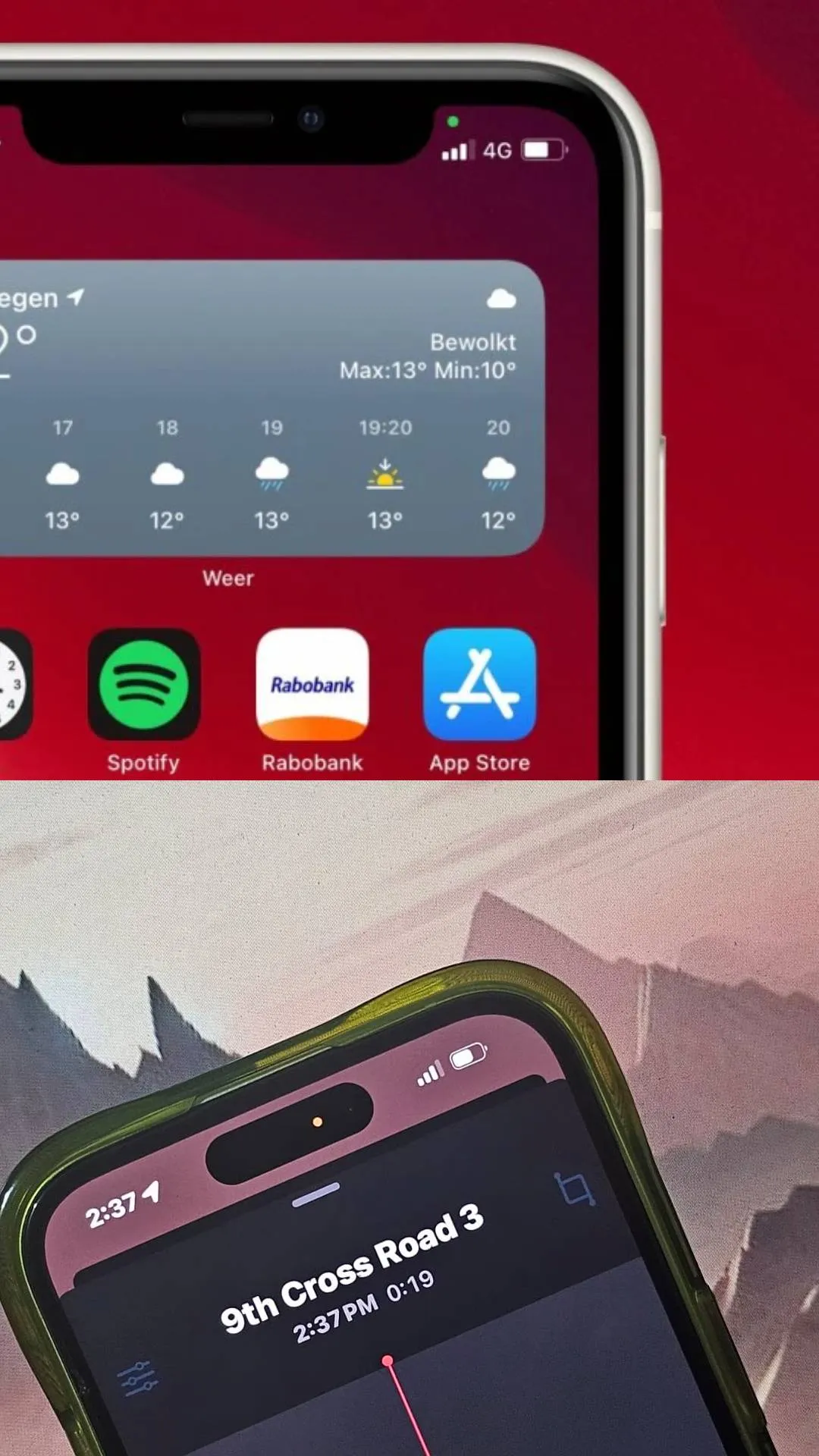
What red, green and orange dots indicate in the smartphone?
Image Source : FileMany times you must have noticed a red, green or orange colored dot on the screen of your smartphone
Image Source : FileThese colored dots usually appear when an app in the phone accesses the microphone or camera
Image Source : FileSome apps secretly use your phone's microphone or camera and put your privacy at risk
Image Source : FileThese colored dots warn you that an app is accessing the microphone or camera without your permission
Image Source : FileYou can turn off access to the microphone and camera by going to the phone settings, so that your privacy can be protected
Image Source : FileIf you see a red or orange dot in the phone, it means that an app is accessing your phone's microphone
Image Source : FileOn the other hand, if you see a green colored dot in the phone, it means that an app is accessing the camera
Image Source : FileOn the other hand, if you see both green and orange dots on the phone's screen, it means that an app is accessing both the camera and the microphone
Image Source : FileYou may also see such colored dots on the phone when location is accessed via GPS
Image Source : FileNext : Infinix Note 40 5G gets Rs 6,500 discount: Find out where to buy