Frustrated by slow Wi-Fi? Boost internet speed with these simple tips
Image Source : FileUsers sometimes experience decline in internet data speed despite being connected to a WiFi network
Image Source : FileThese strategies can be employed to enhance WiFi internet speed significantly
Image Source : FileTry turning it off for a short period. It is advisable to power off the router for a few minutes every 2-3 days
Image Source : FileMake sure to install the router in an open area rather than in a location surrounded by walls, as this can hinder the network signal
Image Source : FileIf you've tried above suggestions, there's a reset button located at the back of the device that you can press to restore it to its factory settings
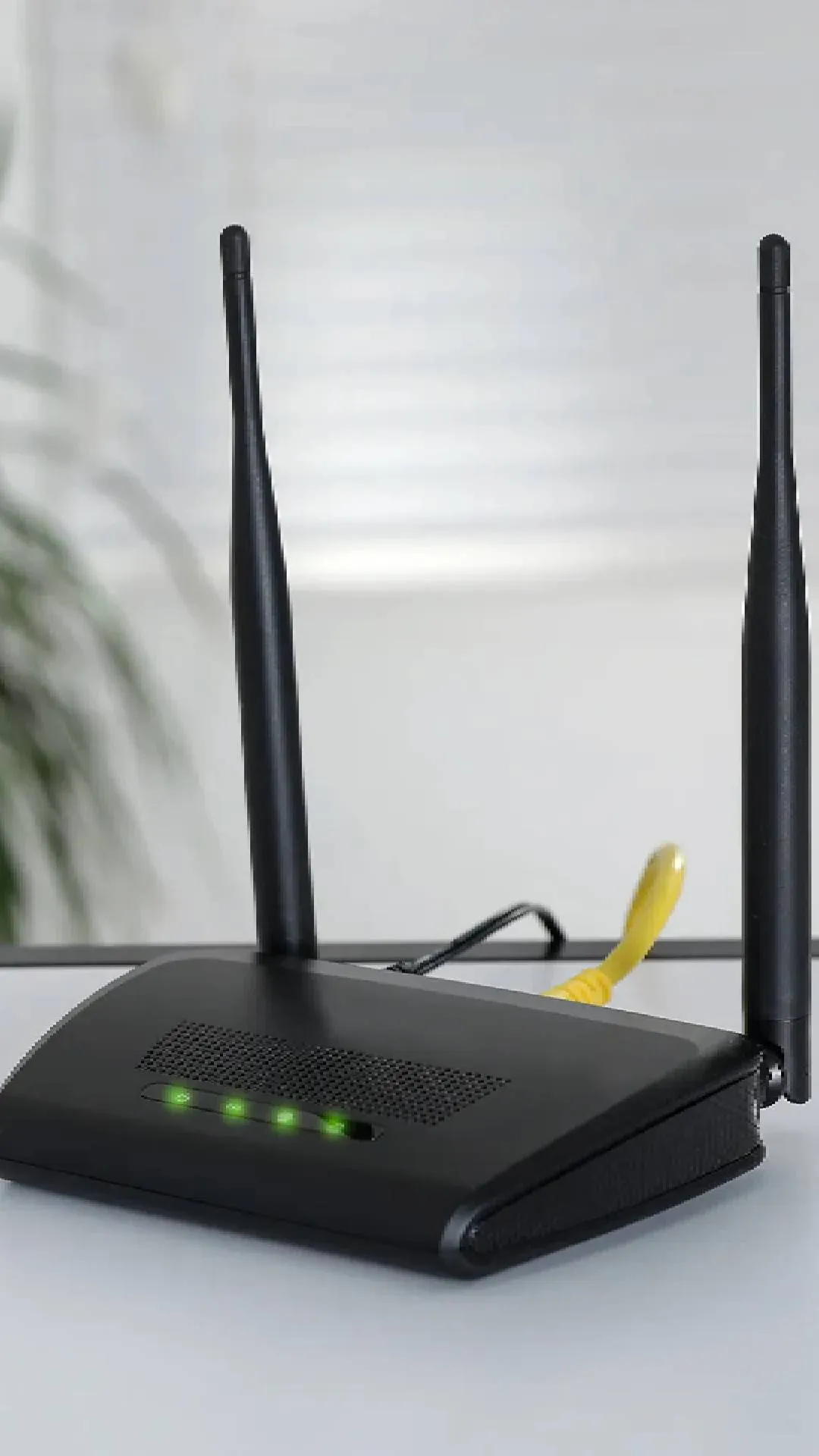
Image Source : FileAdditionally, check the antenna position on your router. Adjusting it may help improve your internet speed
Image Source : FileOlder routers could be the issue, upgrading to a newer model that supports dual bands (2.4GHz and 5GHz) can enhance internet performance
Image Source : FileNext : Infinix Note 40 5G gets Rs 6,500 discount: Find out where to buy