- Home
- Technology
- Switch from LPG to PNG? Step-by-step guide to check availability in your city
Switch from LPG to PNG? Step-by-step guide to check availability in your city
With possible LPG supply disruptions and new government directions, households may need to shift to PNG connections where available. Here’s a simple guide to check PNG availability in your area using your mobile phone through major gas providers.
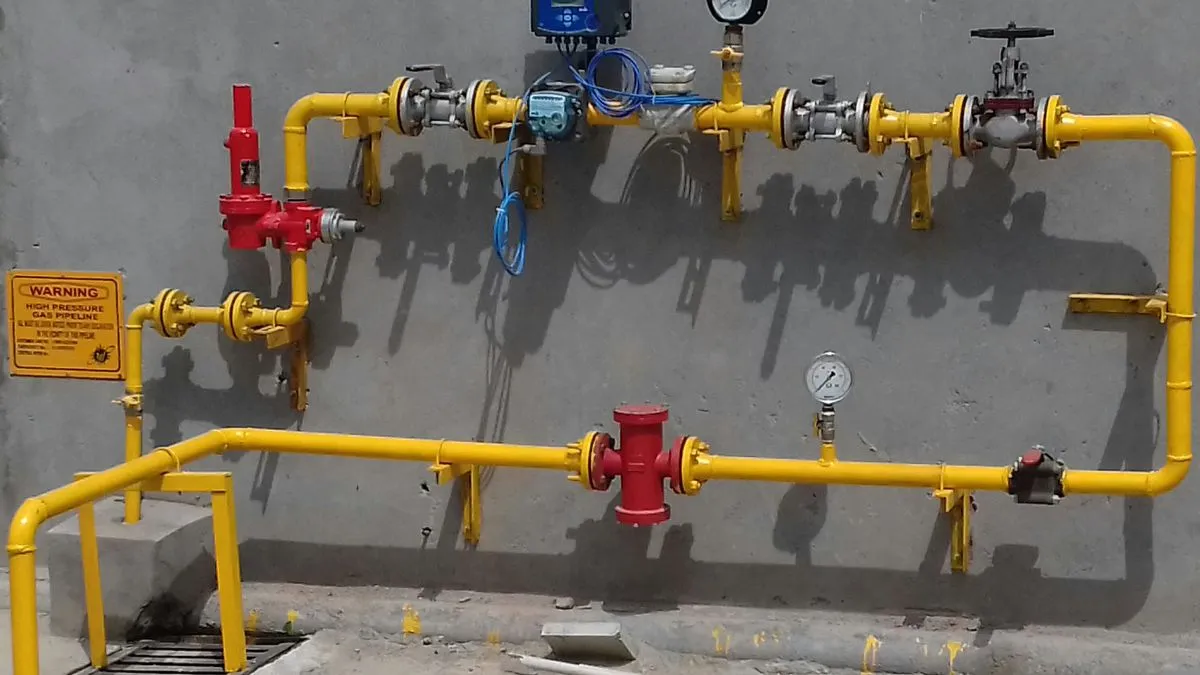
With LPG supply disruptions affecting so many households across the nation, a new government direction has emerged, with households potentially needing to switch to PNG connections when available. Here we bring to you a simple guide to check the PNG availability in your area by using your smartphone via a major gas service provider.
Firstly, why does PNG availability matter now?
We have all been in the midst of a global supply concern, which includes tension affecting the LPG availability. The government has already indicated that the households in areas with PNG (Piped Natural Gas) access need to shift from LPG within a specified period.
So, in case the PNG is available in your current locality, then you could apply for a new connection easily.
How to check PNG availability on your smartphone?
You can check for the availability of the PNG pipeline in your area. You need to visit the official websites or apps of the leading gas providers in India. You have to enter the city, location or the PIN code- this will help in verifying the coverage.
Check PNG via Indraprastha Gas Limited (Delhi NCR)
If you are living in different parts of Delhi-NCR could check for the PNG pipeline’s availability through IGL. Follow the steps below:
- Visit the official website of IGL
- Then, go to ‘PNG Domestic’
- Then tap on ‘Apply for New Connection’
- Then, in the window, enter the colony or society details
- If your area is listed, then you could apply for the connection instantly.
- You can also check via the IGL mobile app or call the helpline ‘1800-102-5109’.
Check the PNG pipeline via Mahanagar Gas Limited (Mumbai Region)
For Mumbai residents and nearby areas:
- First thing, visit the MGL website
- Go to ‘Customer Zone’
- Then tap on ‘Domestic Connection Request’
- Then enter your PIN code
- Apply if the service is available
Check PNG via GAIL Gas (Other cities of India)
From the GAIL Gas agency, the officials have been offering the PNG services across several Indian states:'
- Visit the official website of the GAIL gas agency
- Click on the ‘Customer Registration’
- Then select your city and area
- Apply if your location is covered
Check PNG via Adani Total Gas (In Gurugram and Faridabad)
For Gurugram and Faridabad residents, follow the steps below:
- Visit the Adani Total Gas website
- Then click on ‘New Connection Request’
- There, tap on ‘Domestic’
- Enter your area details
- Then submit your request
If the PNG is unavailable in the state or stated area, then the site will display a “Not Available” message.
What to do next if PNG is available in your area?
If the PNG is available in your area, then do the following:
- Apply online via the provider’s website
- Wait for the verification and installation
- A shift from LPG is required under the new rules
PNG supply is considered safer, more convenient, and more cost-effective for daily use.