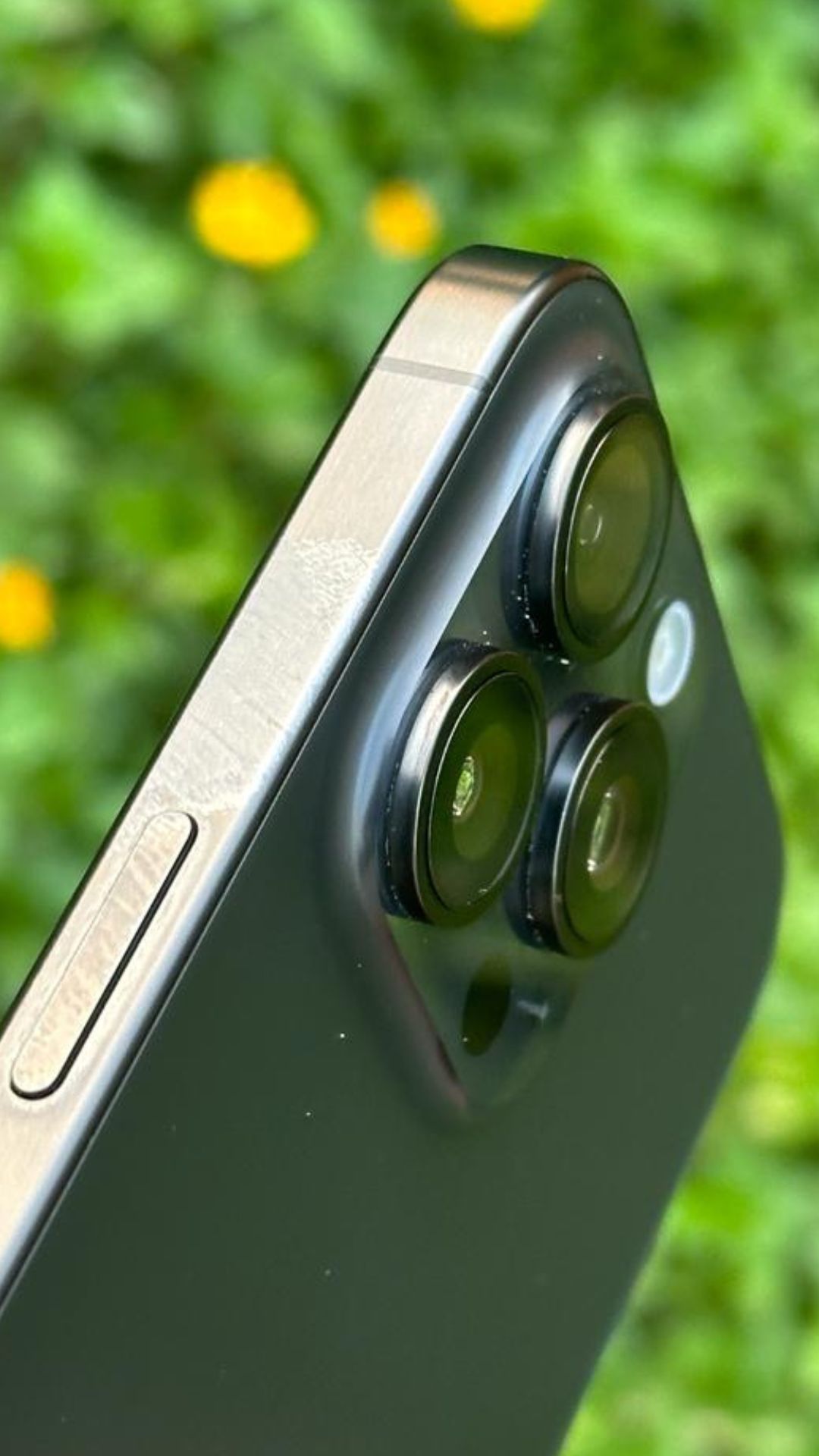
5 key tips for capturing stunning Diwali shots from your iPhone 15
Image Source : India TVUse the warm glow of diyas, candles, and decorative lights for creative photography, experimenting with them in the foreground or background to craft silhouettes.
Image Source : Porus Vimadalal / AppleAvoid using your phone's flash to prevent harsh lighting and color washout; instead, rely on available light sources.
Image Source : Porus Vimadalal / AppleUse the LiDAR Scanner on the iPhone for capturing vibrant, detailed, and improved nighttime portraits.
Image Source : Porus Vimadalal / AppleFor intricate details in rangoli patterns or decorations, iPhone users can explore macro photography for close-up shots, emphasising colors, and details.
Image Source : Porus Vimadalal / AppleUse the iPhone's RAW mode which offers more image data and greater post-processing flexibility.
Image Source : Porus Vimadalal / AppleNext : These 7 messages could compromise your security on WhatsApp